
I have spent hours fixing Markdown that did not render right. Tables collapsing into chaos, bullet lists that refuse to parse, HTML fragments popping up where they should not. The problem gets worse when AI-generated Markdown enters the mix. It is not just annoying. It is a time sink.
That is why I was interested in huashu-md-html, a tool built to convert Markdown into HTML and DOCX without the usual headaches. The repo is MIT-licensed (last release May 9, 2026) and the pitch is clear: no sloppy AI aesthetics, no silent failures. The tool aims at precision where other converters stumble, especially edge cases like nested tables or non-standard list markers.
This post covers what huashu-md-html does, how it handles Markdown to HTML and back, and whether it is worth adding to your setup. If you have ever spent 10 minutes fixing a broken table, this might save you hours.
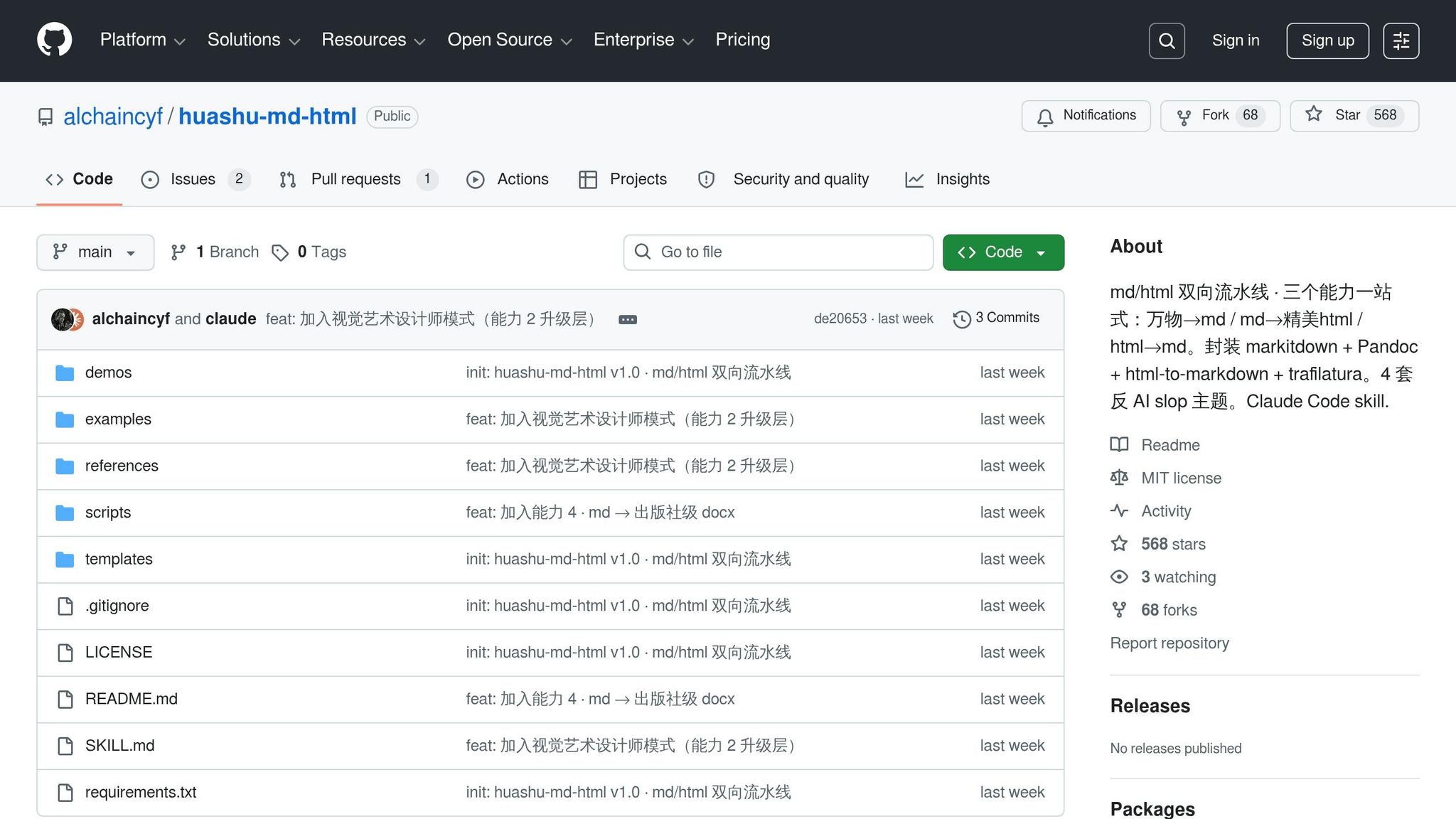
The problem huashu-md-html solves
Common problems in Markdown to HTML conversions
Markdown-to-HTML conversion fails at the edges, especially with AI-generated Markdown. Standard parsers handle spec-compliant Markdown without issue. Non-standard markers like colons (:) or bullets (•) instead of asterisks (*) cause lists to fail silently. Tables are another weak spot: pipe characters (|) get misinterpreted as shell operators in environments like Claude Code, which throws syntax errors during execution.
HTML-to-Markdown has its own headaches. Elements like <form> or <iframe> have no Markdown equivalent, so they get stripped or dumped as raw HTML. <br> tags often turn into two trailing spaces, invisible in most editors but a real problem in version control. Attributes like colspan and rowspan vanish entirely, which breaks table rendering.
How huashu-md-html avoids unwanted AI output
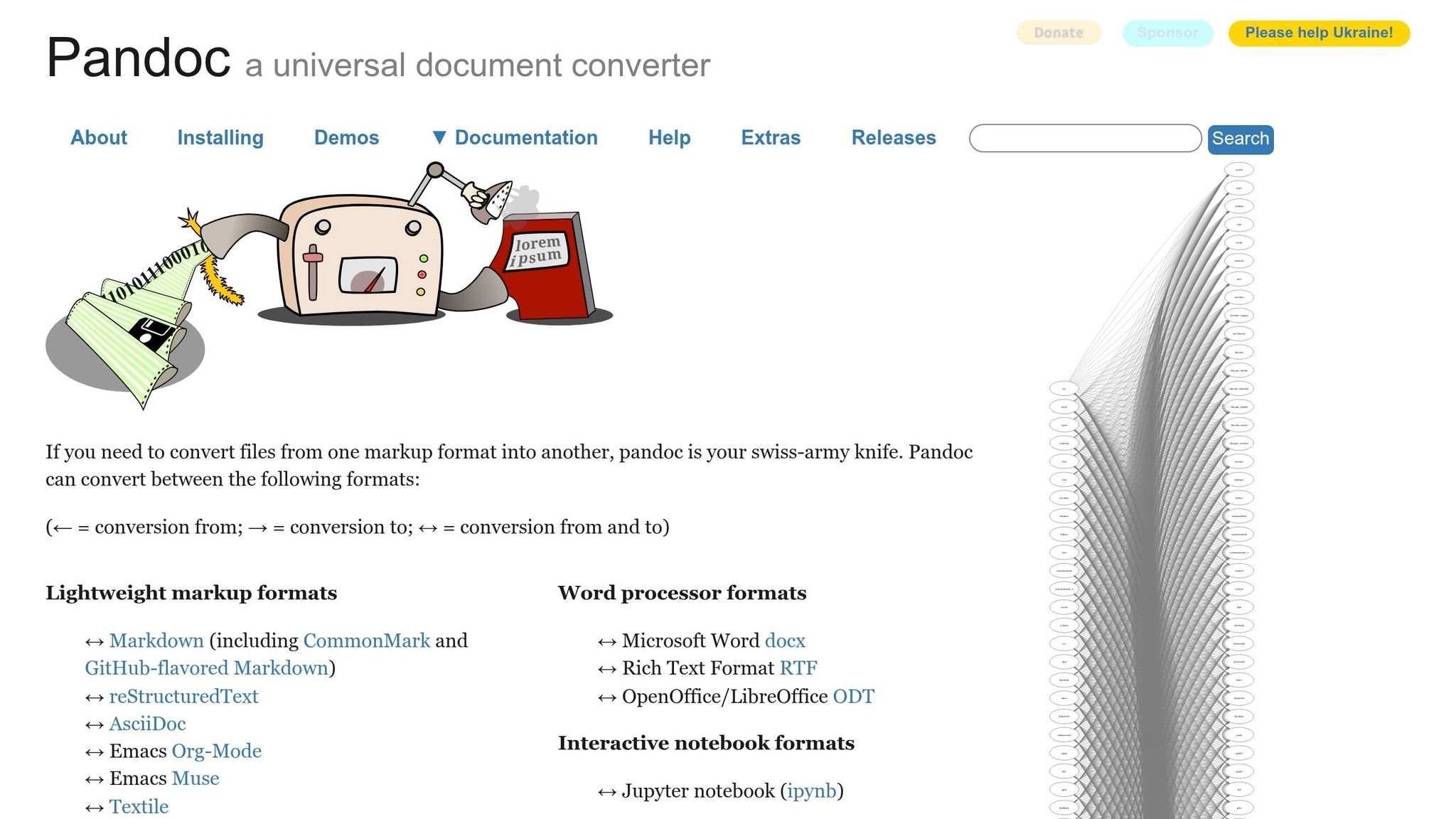
huashu-md-html draws a strict line between source and output. Markdown is the canonical source. HTML and DOCX are compiled artifacts. That separation prevents conversions from sneaking in editorial changes. Under the hood it leans on trusted converters: pandoc for Markdown to HTML and markitdown for multi-format output. Both behave predictably.
For visual polish, the project ships four themes with hard-coded design rules that block the slide into generic SaaS aesthetics. The combination of stable converters plus opinionated themes is the whole point.
Why this matters for developers and content creators
These quirks add up. Fixing AI-generated Markdown errors typically eats 3 to 10 minutes per instance. Across a workflow with dozens of pages, that is hours. Silent failures make it worse: a table that looks fine in a Markdown editor can render as raw pipe characters in Google Docs, or a code block can fail to parse because of nested fence sequences.
The stakes climb in publishing workflows. In May 2026, developer Huasheng used huashu-md-html to assemble a 158-page manuscript for publisher review. The tool processed the Markdown source in a single command (chapter headers, callout blocks, embedded images) without manual fixes. That is the value proposition: reliable output that meets a professional spec.
Setting up huashu-md-html
Prerequisites for Claude Code and Markdown skills
You need two dependencies before installing: Python 3 and Pandoc. Pandoc does the Markdown-to-HTML conversion. On macOS:
brew install pandoc
Use python3 -m pip install rather than bare pip to keep packages out of the wrong environment.
The tool is primarily a Claude Code skill, but it also works with Cursor, Codex, OpenClaw, and Hermes. You do not need a pinned Claude Code version, but you do need npx on the PATH, which means Node.js installed.
Installing huashu-md-html from GitHub
Install the skill into your agent:
npx skills add alchaincyf/huashu-md-html
Then install the Python dependencies from requirements.txt:
python3 -m pip install -r requirements.txt
Quick reference for what gets pulled in:
| Dependency | Purpose | Install command |
|---|---|---|
pandoc | Markdown to HTML | brew install pandoc (macOS) |
markitdown[all] | PDF, DOCX, and more to Markdown | python3 -m pip install 'markitdown[all]' |
html-to-markdown | Rust-backed HTML to Markdown | python3 -m pip install html-to-markdown |
trafilatura | Strips boilerplate from URL extracts | python3 -m pip install trafilatura |
python-docx + Pillow | DOCX output with image support | python3 -m pip install python-docx Pillow |
A built-in diagnostic script runs at startup. If a dependency is missing, it prints the exact install command. No cryptic stack traces.
Testing the installation with a sample conversion
Drop a .md file in your working directory and tell Claude Code: "Convert this MD to a beautiful HTML using the article theme." The skill calls scripts/md_to_html.py and produces a self-contained styled HTML file.
To run it manually or debug:
python3 scripts/md_to_html.py example.md --theme article -o output.html
The result uses Tufte-inspired typography. If the output looks unstyled, the theme failed to resolve. A correctly styled render confirms the pipeline works.
Using pandoc to convert Markdown to HTML
Using huashu-md-html for Markdown to HTML workflows
The round-trip pipeline maps every standard HTML element back to its Markdown equivalent. Most discrepancies come from edge cases, not standard tags.
The workflow is straightforward: write in Markdown, convert to themed HTML, then re-import using html_to_md.py. The Markdown output should closely match the original source. Differences in tables or nested lists usually trace back to inline styles or non-semantic markup in the published HTML.
"md 是源代码, html / docx 是产物." (Markdown is the source code; HTML and DOCX are the products.) Source: alchaincyf, lead developer.
This philosophy treats Markdown as the primary source and HTML as a secondary artifact, which is what keeps round-trip conversions consistent.
Adding huashu-md-html to your development workflow
Pairing huashu-md-html with other Huashu tools
huashu-md-html fits inside a broader pipeline. Here is how the pieces line up:
| Workflow stage | Tool / script | Outcome |
|---|---|---|
| Ingestion | any_to_md.py | Converts PDFs, PPTX, or URLs into clean Markdown |
| Visual enhancement | huashu-design | Creates promotional animations or prototypes for embedding |
| Web publishing | md_to_html.py | Themed HTML output (Article, Report, Reading, Interactive) |
| Print / offline | markdown-to-pdf | PDF with syntax highlighting |
| Publisher submission | md_to_docx.py | Publisher-grade DOCX with cover and TOC |
In May 2026, alchaincyf used huashu-design alongside this Markdown pipeline to produce a 20-second MP4 animation built directly from design tokens, paired with a Kenya Hara minimalist style and Pentagram-inspired information architecture.
Automating repetitive conversion tasks
Once huashu-md-html is installed, the /scripts directory is where automation lives. To turn a PDF into a web report, or batch a directory of chapter files into a single DOCX:
python3 scripts/any_to_md.py input.pdf -o draft.md
python3 scripts/md_to_html.py draft.md --theme report -o output.html
# Batch process an entire directory of chapter files into a single DOCX
python3 scripts/md_to_docx.py ch*.md
For teams, pair these with a file watcher like entr on macOS or Linux so md_to_html.py reruns automatically on save.
Use case: documentation and blog publishing
The pipeline is built for serious publishing. md_to_docx.py turns multiple Markdown files (chapters, appendices, embedded images) into a publisher-ready manuscript that conforms to the "Big 32-mo" spec (176 x 240 mm, roughly 6.93 x 9.45 inches), with orange chapter headers and JetBrains Mono for code blocks.
For blog publishing, theme selection matters:
article: Essays and long-form pieces. Tufte-style margin notes, Pentagram-inspired typography.reading: Minimalist single-column posts.interactive: Technical tutorials. Folding sidebar TOC.
Verdict: is huashu-md-html worth installing?
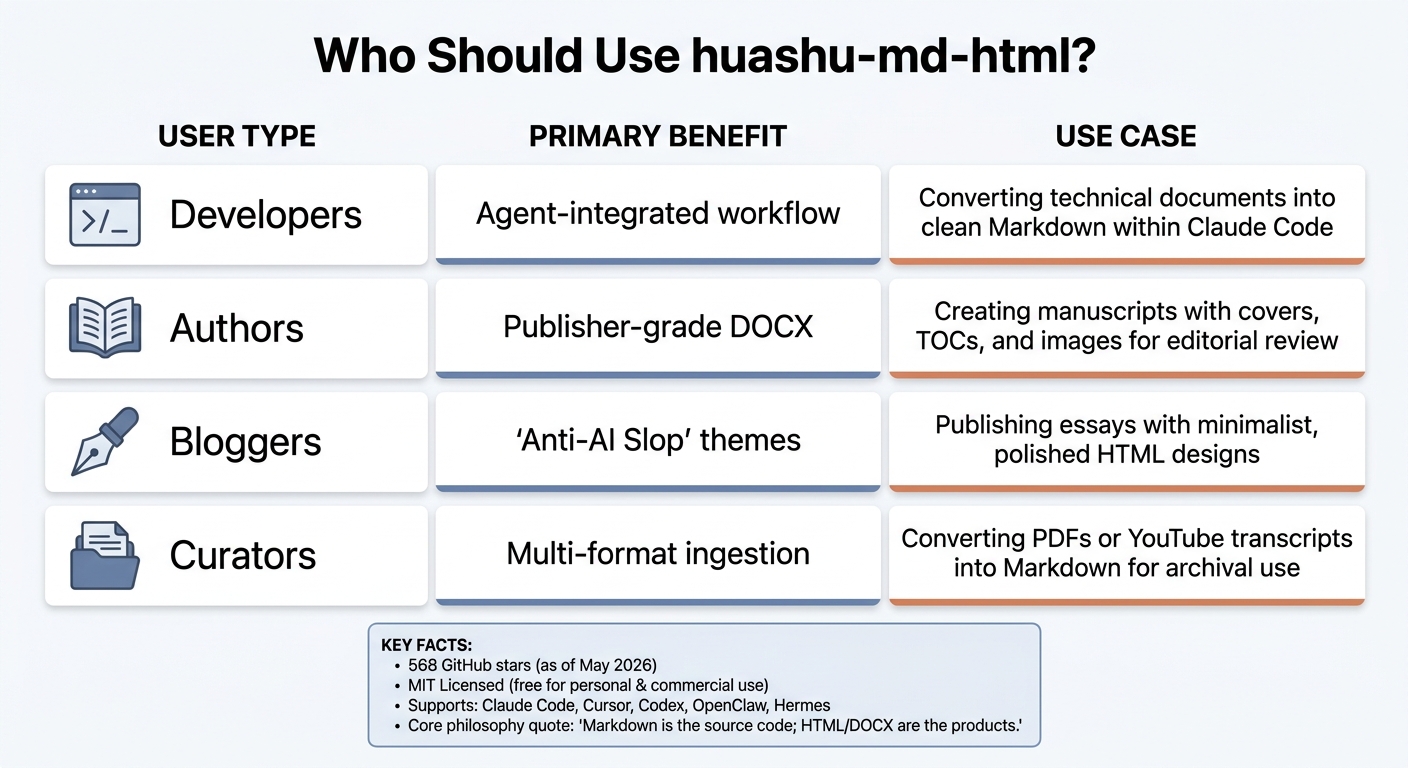
huashu-md-html: who should use it and key benefits.
huashu-md-html handles Markdown to HTML and back with precision. It ships four HTML themes for different content types and can produce publisher-grade DOCX with automated covers, tables of contents, and consistent page formatting. As of May 14, 2026 it is MIT-licensed, free for personal or commercial use.
Setup can be rough, especially for macOS users or anyone chasing an OpenClaude-Portable setup. Dependency conflicts between pip and python3 are the usual culprit. The built-in self-check script flags most issues, and once you are past setup, the tool runs reliably.
If you are using Claude Code and the skill does not auto-trigger, be explicit: "Use huashu-md-html to convert this."
Who should use huashu-md-html?
| User type | Primary benefit | Use case |
|---|---|---|
| Developers | Agent-integrated workflow | Converting technical docs to clean Markdown inside Claude Code |
| Authors | Publisher-grade DOCX | Manuscripts with covers, TOCs, and images for editorial review |
| Bloggers | Anti-AI-slop themes | Publishing essays with minimalist, polished HTML |
| Curators | Multi-format ingestion | Converting PDFs or YouTube transcripts to Markdown for archives |
If Markdown is central to your workflow (web publishing or editorial), this tool earns its slot. If you are not comfortable in a terminal or do not use Claude Code, Synthetic.new, or Cursor, the setup overhead is probably not worth it for occasional jobs.
Final thoughts on setup and workflow benefits
The creator's philosophy captures the whole tool in one line:
"Markdown is the source code; HTML and DOCX are the products." Source: alchaincyf.
FAQs
How accurate is the Markdown to HTML round-trip?
huashu-md-html converts Markdown to HTML and back with high fidelity for standard Markdown features. Round-trip drift mostly comes from non-semantic HTML (inline styles, non-standard wrappers) rather than the converter itself. For pure bidirectional work, html-md-converter is a good companion tool.
What do I need installed before using it?
Three things: Node.js (for npx), Python 3 (for the scripts), and Pandoc (for Markdown to HTML). Install the skill with:
npx skills add alchaincyf/huashu-md-html
Then install Python dependencies from the repo's requirements.txt.
Which HTML theme should I choose?
Pick by content type. Use article for essays and long-form, reading for minimalist single-column posts, interactive for tutorials that need a folding TOC, and report for data-heavy or structured documents. All four themes block the typical AI-output tells (loud gradients, decorative emojis, clashing palettes).
Is it free to use?
Yes. The repo went fully open source under MIT on May 14, 2026, which means free for personal and commercial use. The only cost is the time to install the dependency chain.
Comments